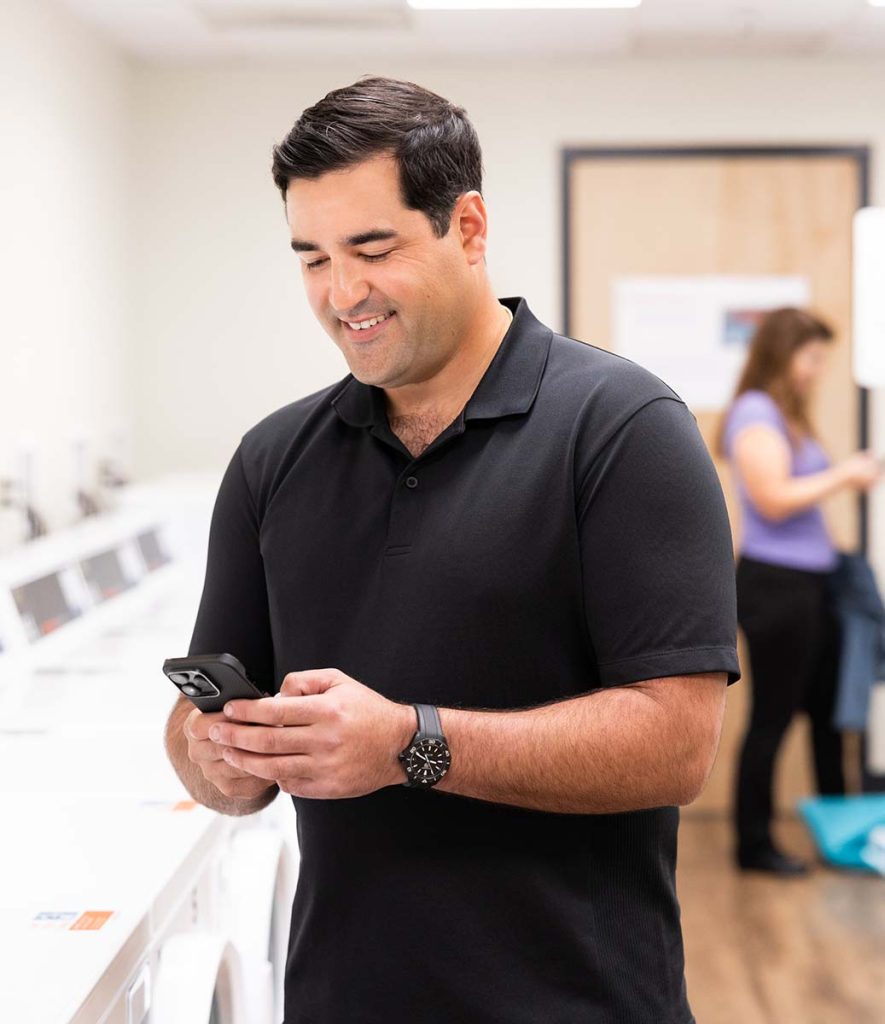
Pay for laundry with your phone. No coins, no cards — just download the free app for your building and you’re ready to go.
TAP. WASH. DONE.
Laundry Payment Made Easy
Pay for laundry with your phone. Download the free and secure WashWallet app, add credit, and hold your phone close to the machine reader to start. It’s that simple.
Free to download on iOS and Android
Pay with credit or debit card
PCI-certified TLS 1.1+ encrypted transactions
Auto Refill — automatically adds funds when low
Report service directly from the app
How It Works
It’s as easy as 1-2-3
Download the App
Search “WashWallet” on the App Store or Google Play. Register, sign in, and identify your laundry room by entering the location code.
Add Credit
Tap the “+Add” button to load funds with a credit or debit card. You can also set up Auto Refill to automatically top up.
Start Your Machine
Load laundry, close the door, select settings, then hold your phone next to the machine reader to pay. Press the start button and you’re done.
Frequently Asked Questions
Where do I find the WashWallet app?
Search “WashWallet” on the Apple App Store or Google Play. For best performance, download and register the app before you go to your laundry room.
How do I identify my laundry room?
Enter the Location Code found on the signage in your laundry room. You can also tap any machine to connect. We recommend opening the app before entering the laundry room for the quickest connection.
How do I load money into my account?
On the main screen, tap the “+Add” button. The “Refill My Account” page will open where you can easily add funds. You can also set up “Auto Refill” to automatically add funds when your balance is low.
Is my credit card secure?
Yes. WashWallet™ transactions are TLS 1.1 or higher encrypted by your smartphone when connecting to our PCI-certified transaction host. Your credit card information is never stored on your device.
When should I open the app?
For the best experience, open the WashWallet app before entering the laundry room. This allows the app to connect quickly and ensures a smooth start when selecting your machine.