


LaundryConnect™ Pay
Pay for laundry with your phone. No coins, no cards — just download the free app for your building and you’re ready to go.


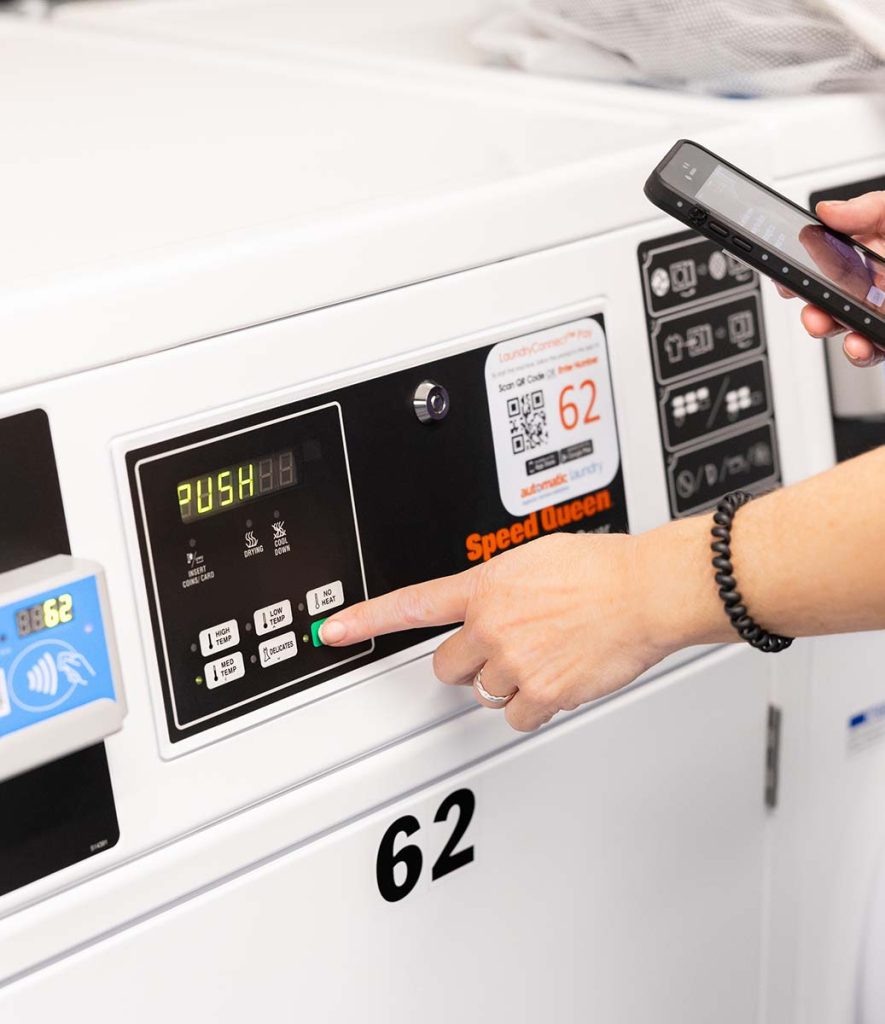
SCAN. START. WASH.
The New Way To Do Laundry
- Free to download on iOS and Android
- Pay with credit or debit card
- PCI-certified SSL encrypted transactions
- Works via Bluetooth — no internet needed at the machine
- Real-time account balance
How It Works
It’s as easy as 1-2-3

Download the App
Search “LaundryConnect™ Pay” on the App Store or Google Play.
Download and register before you go to the laundry room.

Register & Add Funds
Create an account and load value with a credit or debit card. Your balance updates in real-time on the main screen.

Start Your Machine
Enter the machine number or scan the QR code on your machine and select OK. Your machine will start and display cycle status.
Frequently Asked Questions
Where do I find the LaundryConnect™ Pay app?
Search “LaundryConnect™ Pay” on the Apple App Store or Google Play. For best performance, download and register the app before you go to your laundry room.
How do I identify my laundry room?
If you’re in your laundry room, the app will automatically detect it. If not, enter the Smartphone Registration Code found on the signage in your laundry room or on your brochure.
How do I load money into my account?
On the main screen, tap “Refill My Account.” Log in, enter your payment information, and select an amount. Funds are automatically added to your account.
Is my credit card secure?
Yes. LaundryConnect™ Pay transactions are SSL encrypted by your smartphone when connecting to our PCI-certified transaction host for the latest in security.
Will it work without internet?
Yes. Your phone connects to the machine via Bluetooth. As long as you have enough money in your account to start a cycle, you’re ready to go.
